> ## Documentation Index
> Fetch the complete documentation index at: https://support.labex.io/llms.txt
> Use this file to discover all available pages before exploring further.
# LabEx Virtual Machine (VM)
> Virtual Machine is the infrastructure of LabEx, providing you with hands-on programming experience.
## VM and Labs
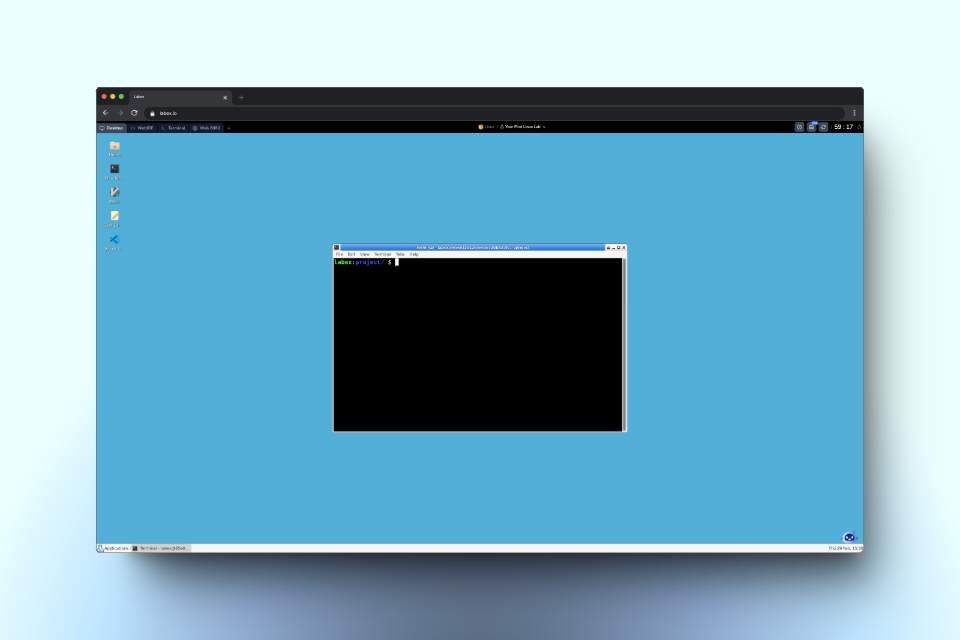
LabEx provides a linux virtual environment for you to complete the labs. When you start a lab, it will automatically create a VM for you.
## What is VM?
VM stands for Linux Virtual Machine. It allows you to experience hands-on operations, get creative, and try the code out.
 LabEx's VM provides different interfaces for you to complete the labs.
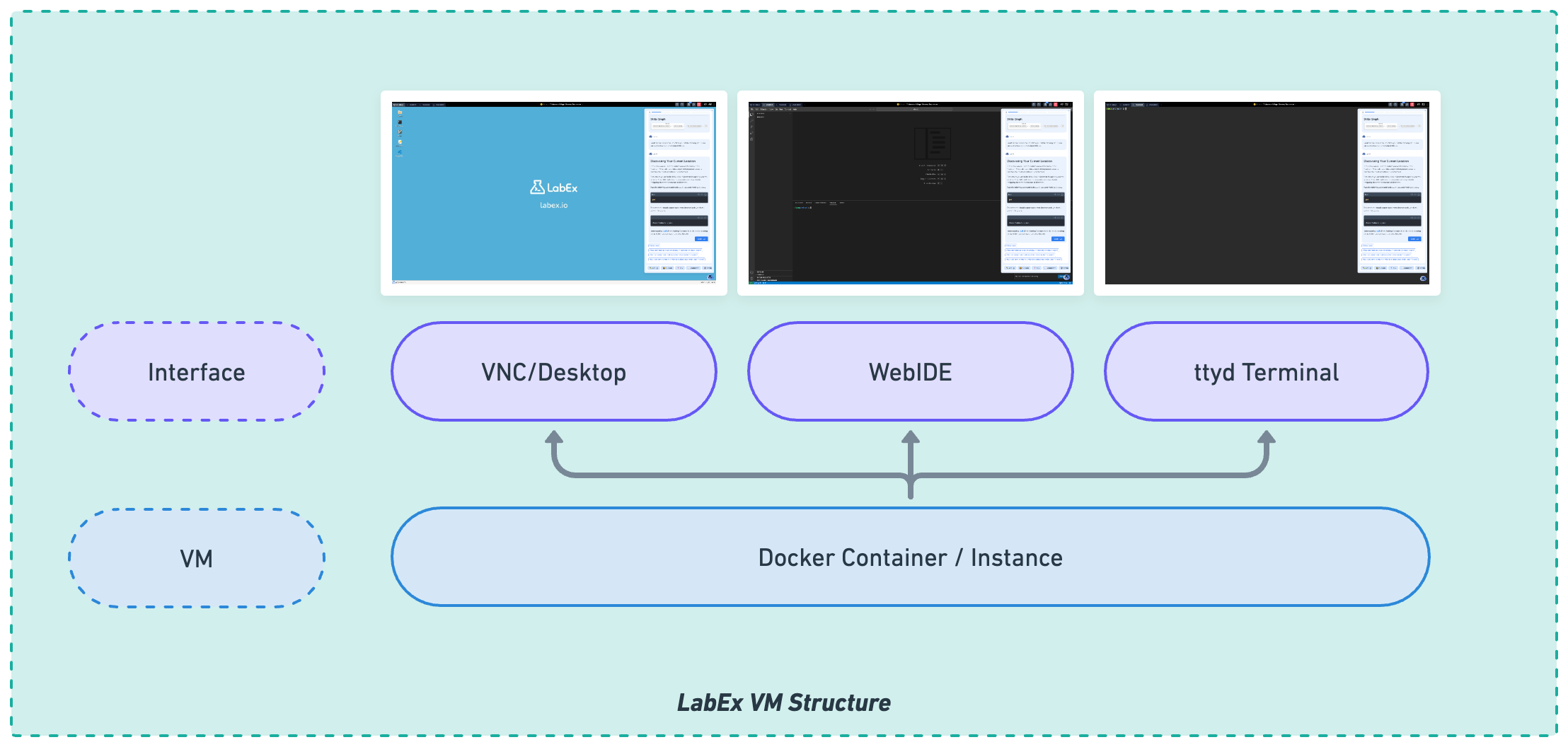 1. [**Desktop**](/en/labex-vm/desktop): A Linux GUI Desktop. You can use it to run GUI applications.
2. [**WebIDE**](/en/labex-vm/webide): A VSCode-like web-based IDE. You can use it to write code.
3. [**Terminal**](/en/labex-vm/ttyd): A command-line interface. You can use it to run commands and write code.
You can switch between different interfaces by clicking the tabs on the top left corner.
1. [**Desktop**](/en/labex-vm/desktop): A Linux GUI Desktop. You can use it to run GUI applications.
2. [**WebIDE**](/en/labex-vm/webide): A VSCode-like web-based IDE. You can use it to write code.
3. [**Terminal**](/en/labex-vm/ttyd): A command-line interface. You can use it to run commands and write code.
You can switch between different interfaces by clicking the tabs on the top left corner.
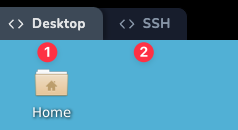 Most of the time, LabEx considers the first interface as the most suitable for the current lab. You can also switch to other interfaces if you want to try different ways to complete the lab.
## Restart VM
You can restart the VM by clicking the `Restart` button on the top right corner. It will restart the VM and reset the environment.
There are some cases where you need to restart the VM, such as:
1. The VM is not responding.
2. You want to reset the environment.
## Basic information about VM
LabEx VMs current use the `Ubuntu 22.04` operating system.
The default user is `labex`, who has `sudo` privileges. No password is set for the `root` and `labex` user.
You can use the `sudo` command to run commands as the `root` user.
Most of the time, LabEx considers the first interface as the most suitable for the current lab. You can also switch to other interfaces if you want to try different ways to complete the lab.
## Restart VM
You can restart the VM by clicking the `Restart` button on the top right corner. It will restart the VM and reset the environment.
There are some cases where you need to restart the VM, such as:
1. The VM is not responding.
2. You want to reset the environment.
## Basic information about VM
LabEx VMs current use the `Ubuntu 22.04` operating system.
The default user is `labex`, who has `sudo` privileges. No password is set for the `root` and `labex` user.
You can use the `sudo` command to run commands as the `root` user.