> ## Documentation Index
> Fetch the complete documentation index at: https://support.labex.io/llms.txt
> Use this file to discover all available pages before exploring further.
# LabEx Quick Start
> Skill Tree is a core concept of LabEx, providing you with a systematic and intelligent learning experience.
LabEx is a platform for learning new programming skills by hands-on labs. You can learn new skills by completing labs and challenges, and you can showcase your skills by building projects.
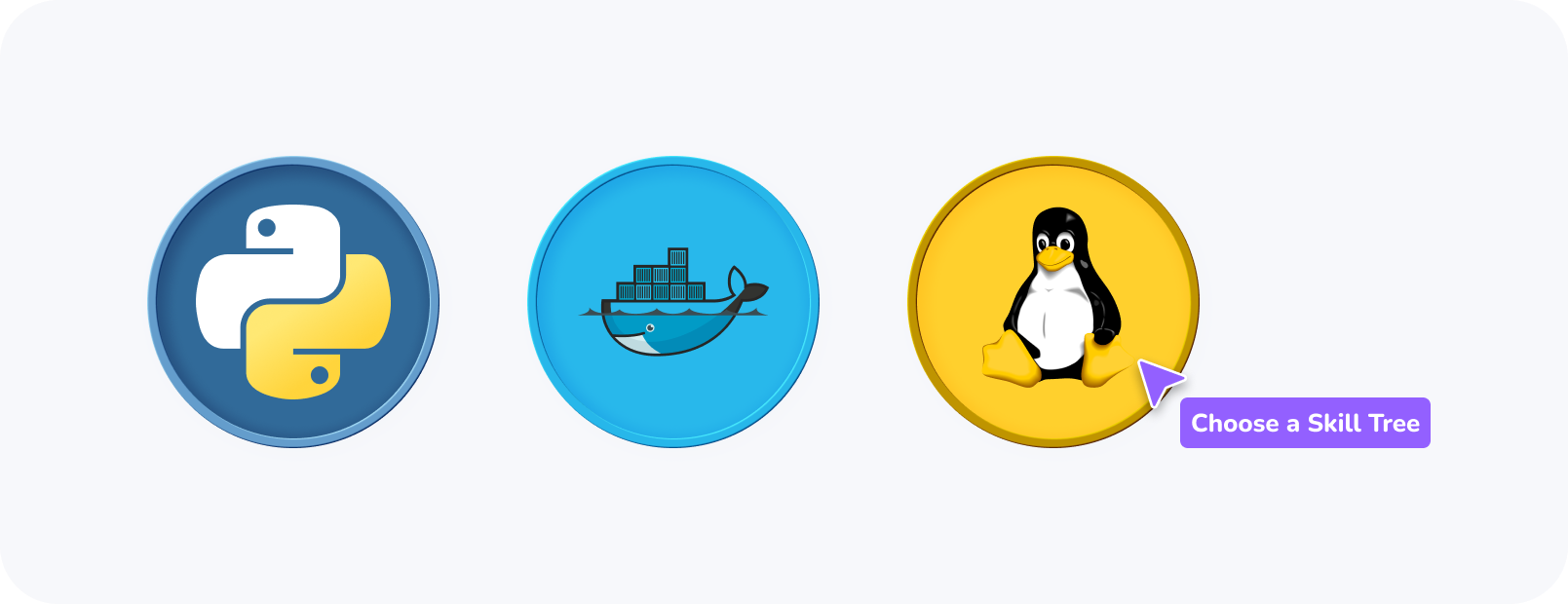
After signing up, you'll be prompted to join a Skill Tree.
Each Skill Tree contains a set of skills to unlock.
Labs and challenges are organized into courses.
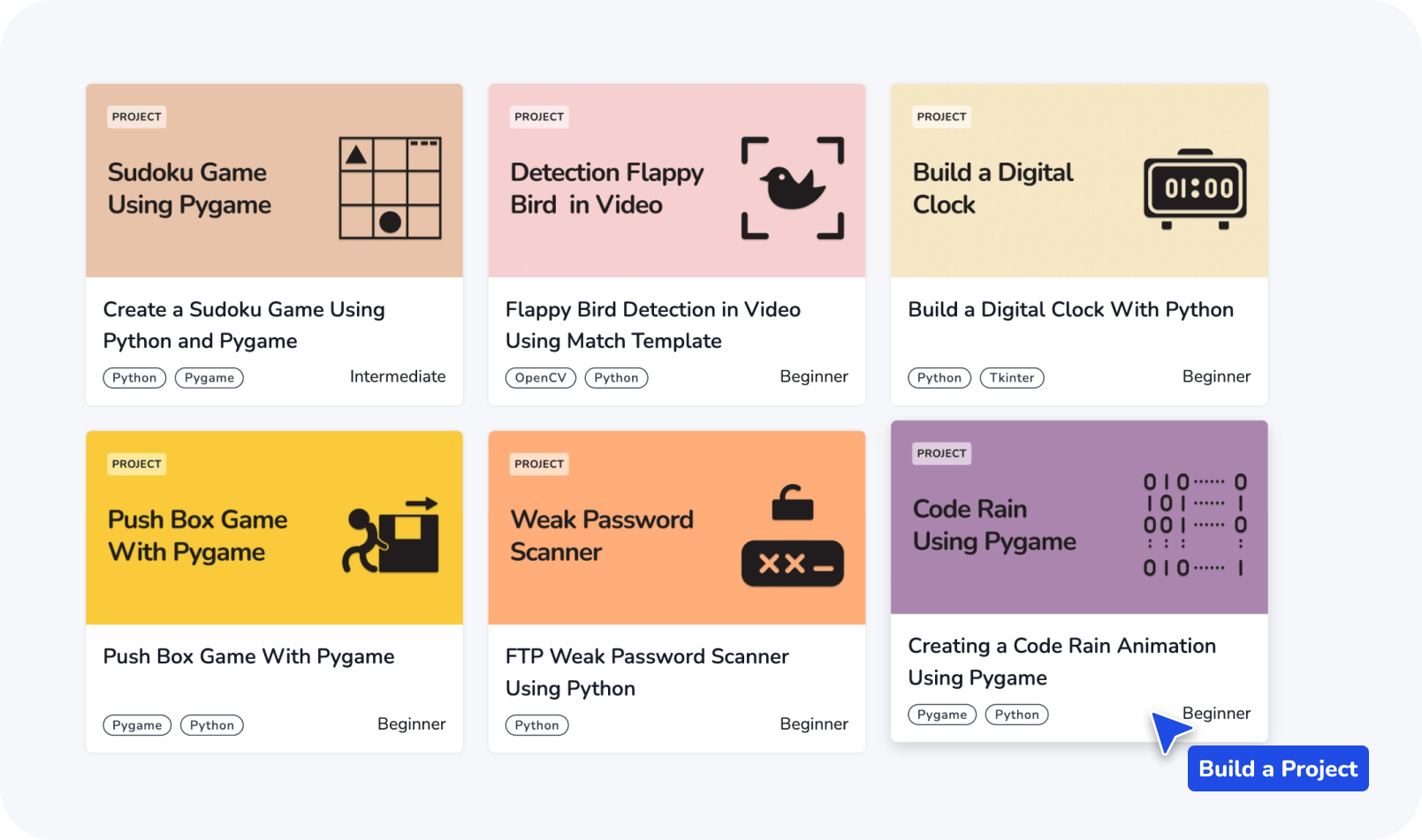
Use the skills you've learned to build projects.
## Skill Trees
Skill Trees are a collection of skills that are related to a specific topic. Each Skill Tree contains a set of labs and challenges that are organized into courses. Learn more about how they work in [LabEx Skill Trees](/en/using-labex/skill-trees).
 The existing skill trees will be continuously updated and modified.
After signing up, you'll be prompted to join a Skill Tree. You can also join a Skill Tree at any time by visiting [labex.io/learn](https://labex.io/learn).
The existing skill trees will be continuously updated and modified.
After signing up, you'll be prompted to join a Skill Tree. You can also join a Skill Tree at any time by visiting [labex.io/learn](https://labex.io/learn).
 Labs are hands-on learning experiences that allow you to practice your skills in a real-world environment. While all LabEx content is referred to as "Labs," there are actually two distinct types:
* **Guided Lab** (beaker icon): Ideal for beginners, these labs focus on conceptual explanations and step-by-step guidance. Users can complete the practice by following along with each instruction.
* **Challenge Lab** (PASS icon): Designed for testing and challenging advanced users, these labs typically contain minimal explanatory content. They provide only objectives and requirements, requiring users to independently attempt and complete the challenges.
Labs are hands-on learning experiences that allow you to practice your skills in a real-world environment. While all LabEx content is referred to as "Labs," there are actually two distinct types:
* **Guided Lab** (beaker icon): Ideal for beginners, these labs focus on conceptual explanations and step-by-step guidance. Users can complete the practice by following along with each instruction.
* **Challenge Lab** (PASS icon): Designed for testing and challenging advanced users, these labs typically contain minimal explanatory content. They provide only objectives and requirements, requiring users to independently attempt and complete the challenges.
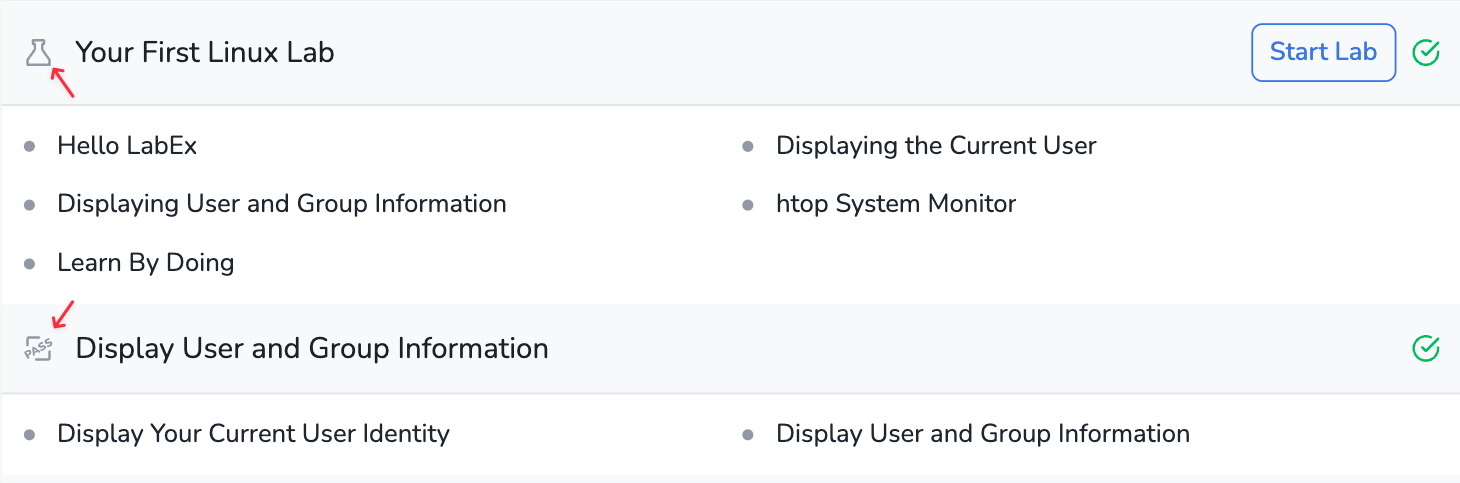 You can distinguish between Guided Labs and Challenge Labs by the icons displayed on the left side of each lab.
You can start a lab by clicking on the `Start` button.
You can distinguish between Guided Labs and Challenge Labs by the icons displayed on the left side of each lab.
You can start a lab by clicking on the `Start` button.
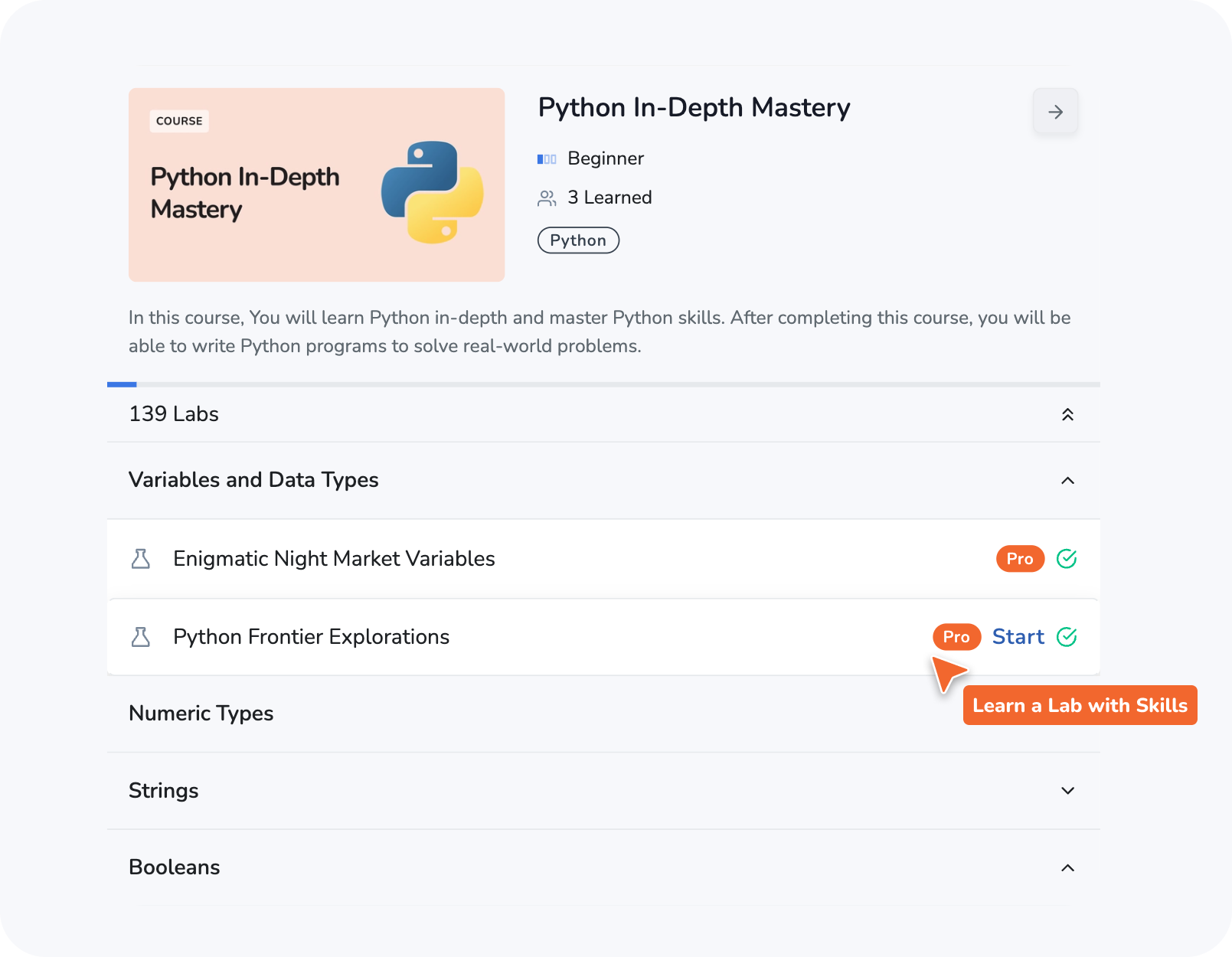 When you start a lab, LabEx will automatically create a new [Virtual Machine (VM)](/en/using-labex/virtual-machine) for you. You can follow the instructions in the lab to practice in the VM.
Each lab and challenge is associated with a set of skills. Completing a lab or challenge illuminates the corresponding skills, and lighting up the entire Skill Tree indicates proficiency in that area.
When you start a lab, LabEx will automatically create a new [Virtual Machine (VM)](/en/using-labex/virtual-machine) for you. You can follow the instructions in the lab to practice in the VM.
Each lab and challenge is associated with a set of skills. Completing a lab or challenge illuminates the corresponding skills, and lighting up the entire Skill Tree indicates proficiency in that area.
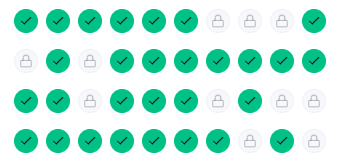 After you unlock all the skills in a Skill Tree:
* You'll receive a [Certificate of Completion](/en/labex-pro/certificates-of-completion).
* We will [Plant a Real Tree](/en/using-labex/green-learn-program) on your behalf.
Use the skills you've learned to build projects. Projects are a great way to showcase your skills and share your work with others.
Projects also contains a set of skills that are related to a specific topic. Each project contains a set of labs and challenges.
After you unlock all the skills in a Skill Tree:
* You'll receive a [Certificate of Completion](/en/labex-pro/certificates-of-completion).
* We will [Plant a Real Tree](/en/using-labex/green-learn-program) on your behalf.
Use the skills you've learned to build projects. Projects are a great way to showcase your skills and share your work with others.
Projects also contains a set of skills that are related to a specific topic. Each project contains a set of labs and challenges.